---
description: Upload many files in one go with one single Zip
---
# Create Bundles
**A Bundle is an Archived folder in Zip format containing Multiple Files and File Types.**
\
The benefit of creating a Bundle beside saving time, is that when uploaded to IPFS it is uploaded as a CAR file, making accessing of your files much more efficient and less costly. \
\
Uploading CAR (Content Addressed Archive) files to IPFS offers efficient, deterministic, and scalable data handling by bundling multiple files with pre-computed CIDs into a single archive. This enables faster uploads, consistent content identifiers, offline generation, and bulk pinning—ideal for large datasets like NFT collections. \
\
CAR files also give developers fine-grained control over IPFS DAG structures and are widely supported by many other IPFS service providers.\
### Before Uploading
When creating a bundle you have to keep in mind some things:
* If you have nested Folders (Folders within Folders) in your uploaded Zip archive, they will be flattened and all files inside them will be moved in one single Folder.
* Avoid files with the same name if you have nested Folders, as they will be overwritten, resulting in one single file with that name.
* Generally we can support any File Type, although currently we are limiting it to the ones below for security reasons until we iron out all edge cases. If you want a specific new file type, please contact us to add it.
### Supported File Types
Images: .jpg, .jpeg, .png, .gif, .bmp, .tif, .tiff, .webp, .svg, .ico, .heic, .avif, .riv
Videos: .mp4, .mov, .avi, .mkv, .webm, .mpeg, .mpg, .ogv, .3gp, .flv
Audio: .mp3, .wav, .flac, .aac, .ogg, .oga, .m4a, .wma
Documents: .pdf, .doc, .html, .htm, .css, .json, .csv, .txt, .xml
3D Models: .obj, .stl, .gltf, .glb, .dae, .ply, .3mf
\*contact us for expanding the list with new file types
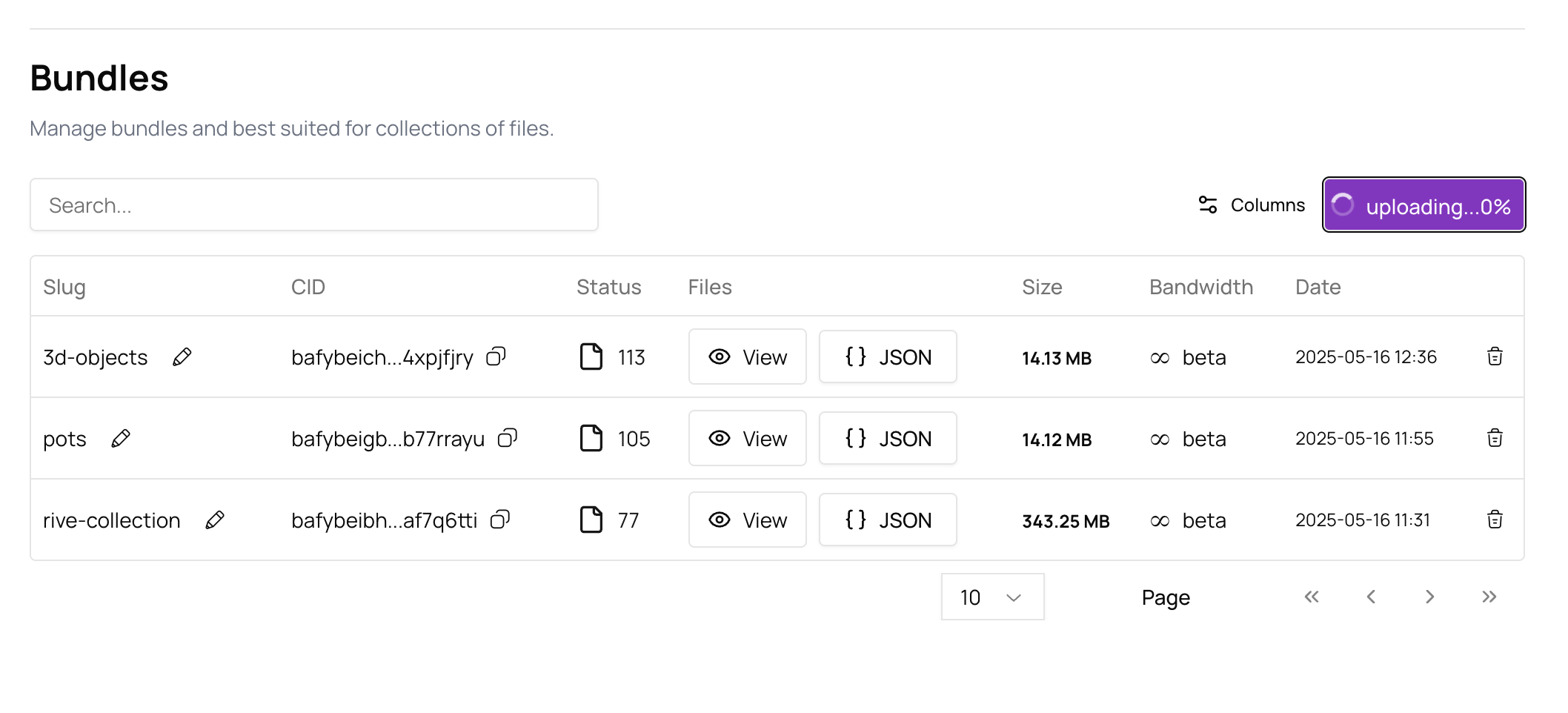
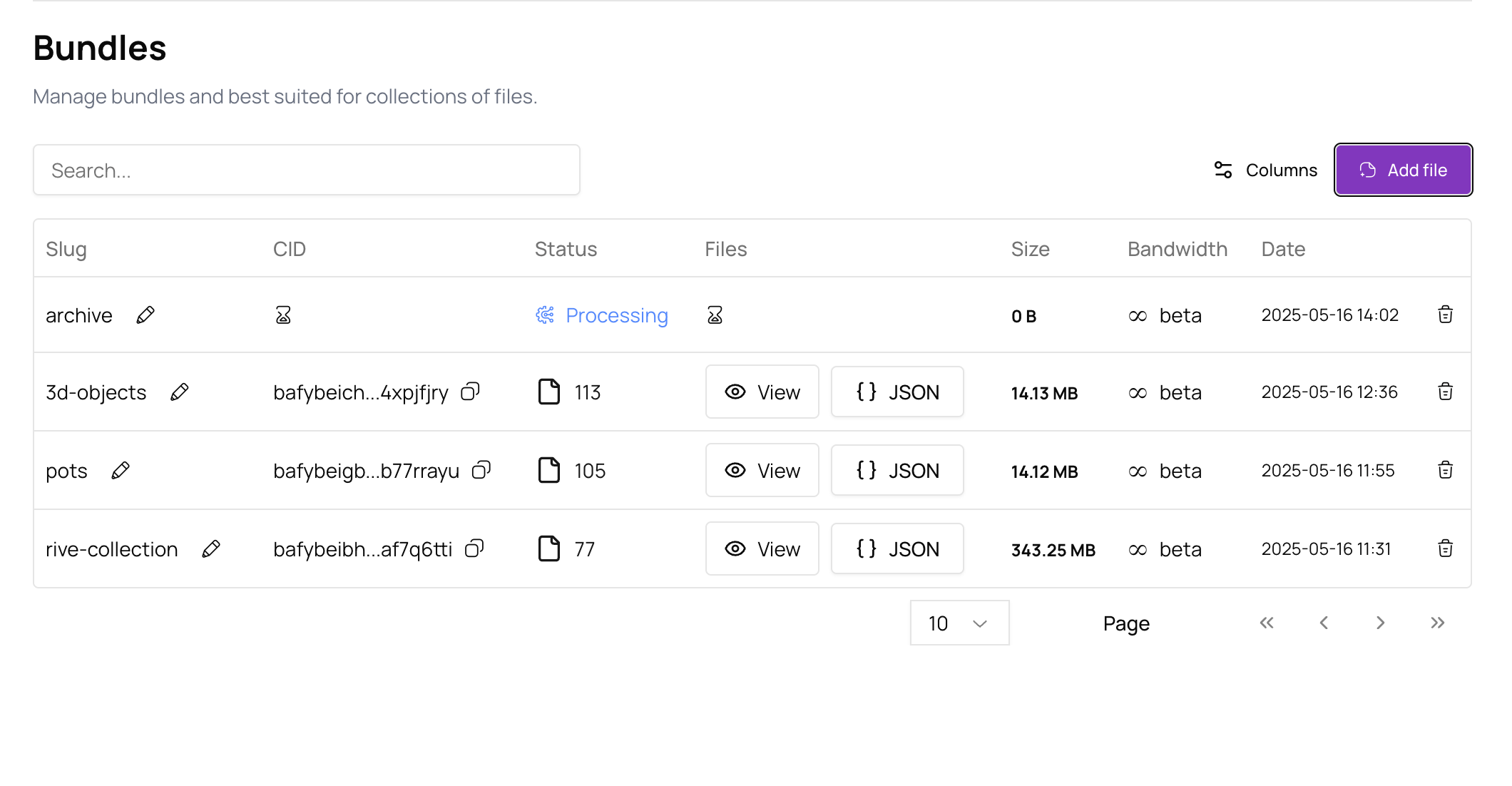
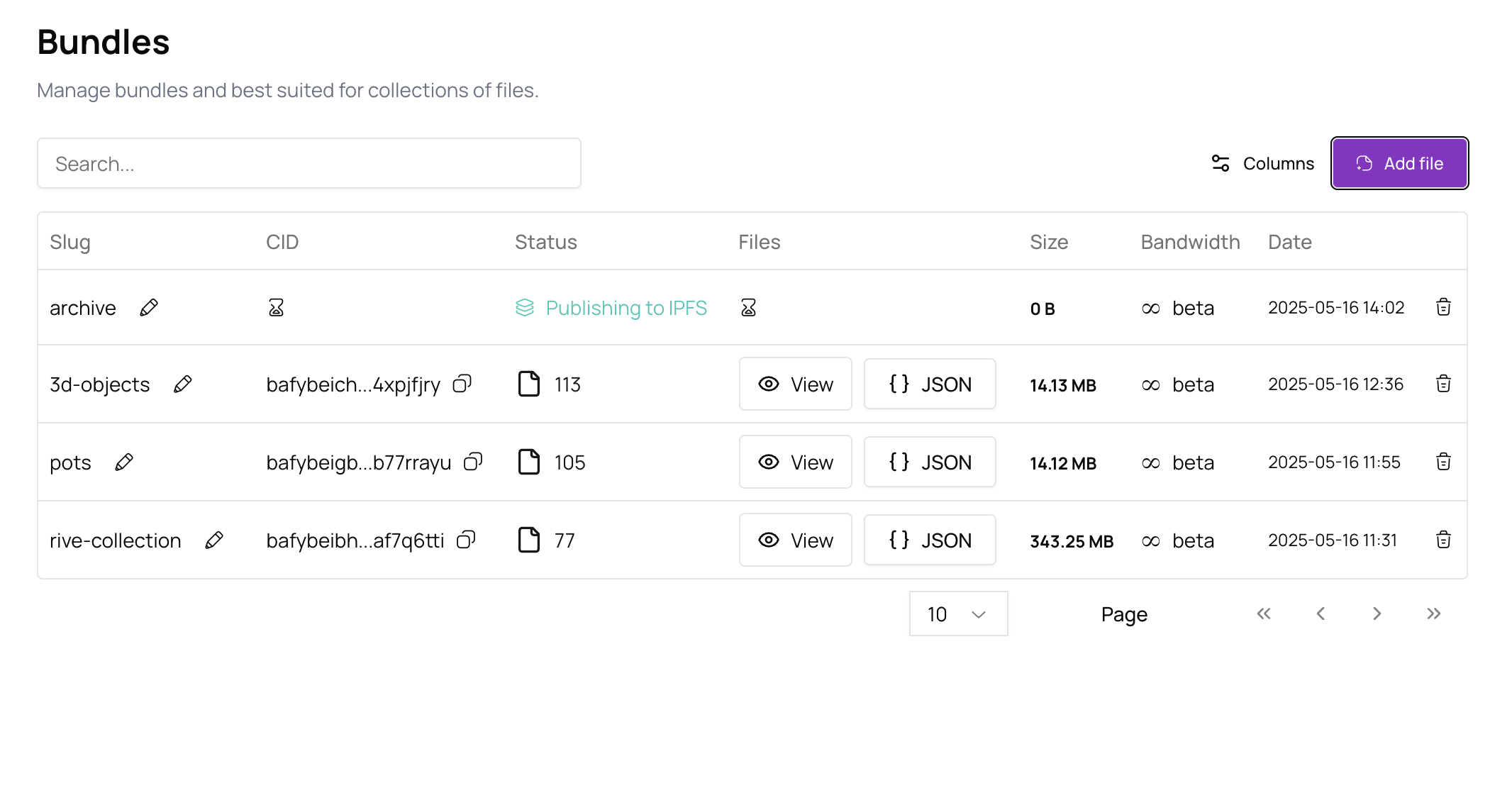
\*The whole process can take a couple of minutes to complete, depending by the size of the Zip archive, so please let it work in the background and refresh the page if needed. \
\
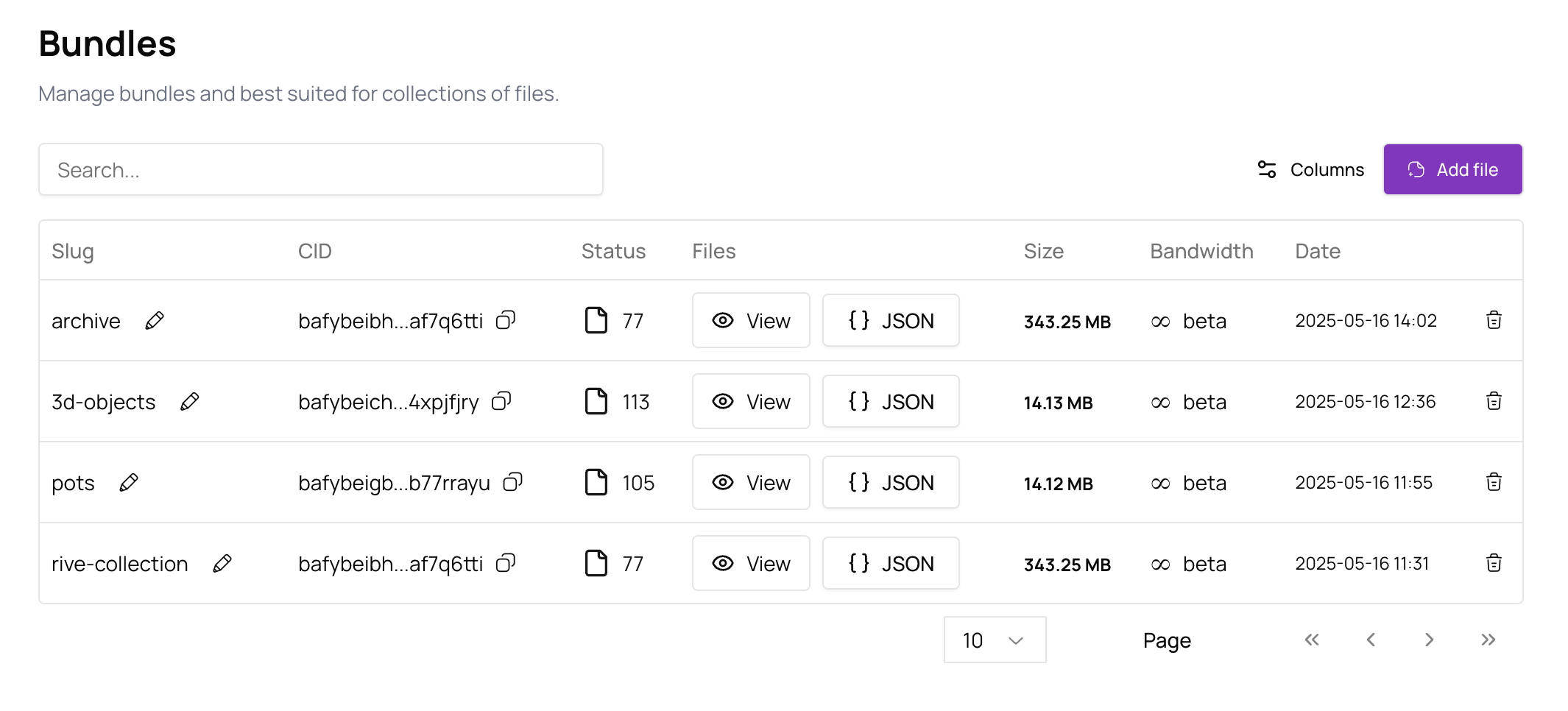
Once all the storing to IPFS process is finished (4 steps), your Bundle will appear in the table with all the details necessary.
* Name/Slug of Bundle
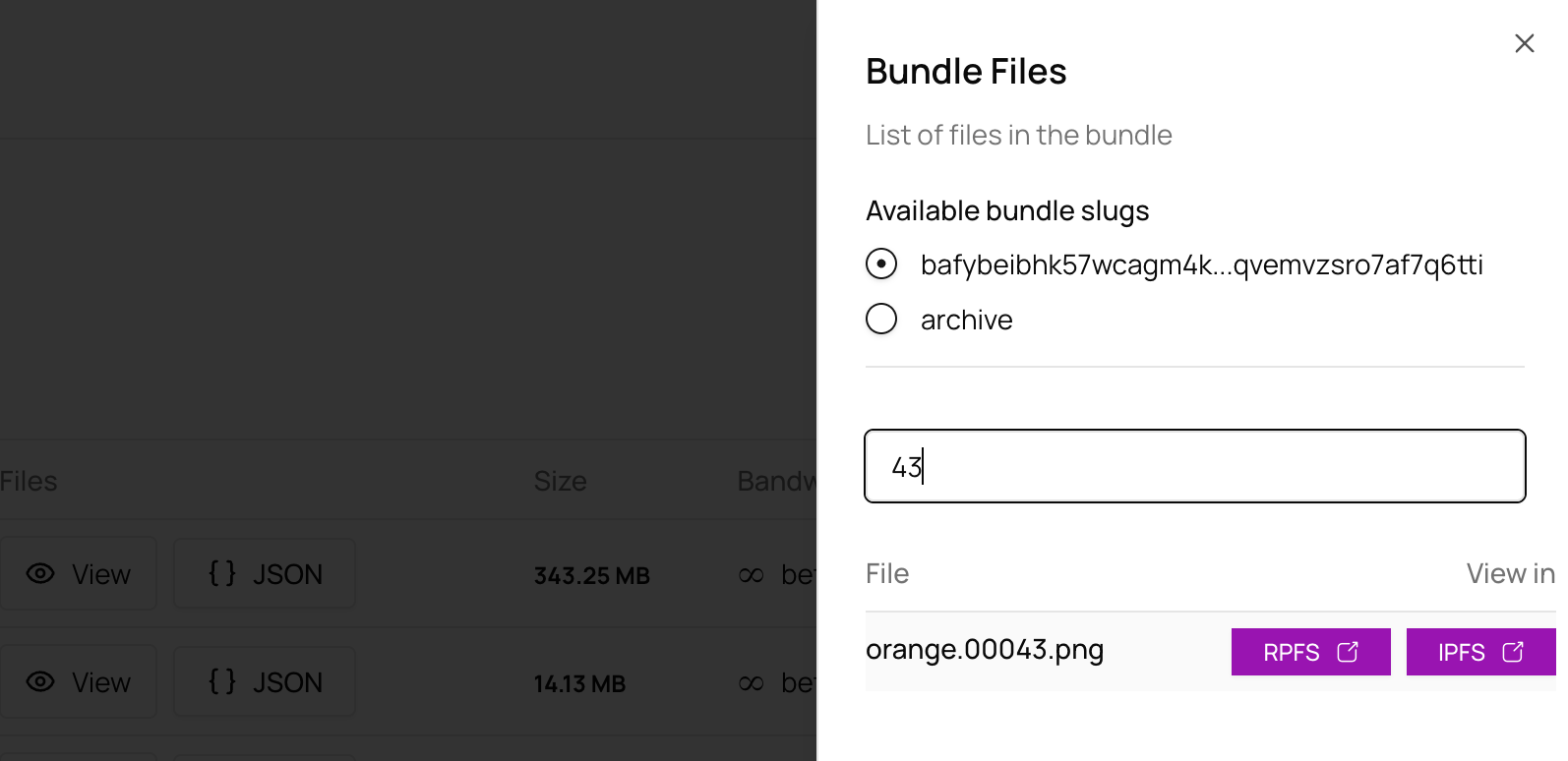
* Viewing the included files
* Total amount of accepted files
* Total size of files included
* Date
You can also search individual files in the list by name.
For more details about Bundles and how to customise them and Control, go to [Bundles](bundles).